
Your performance. A new voice.
Explore the VOIS voice library and sketch your next idea.
Desktop plugins · Standalone apps for macOS, iOS & Android
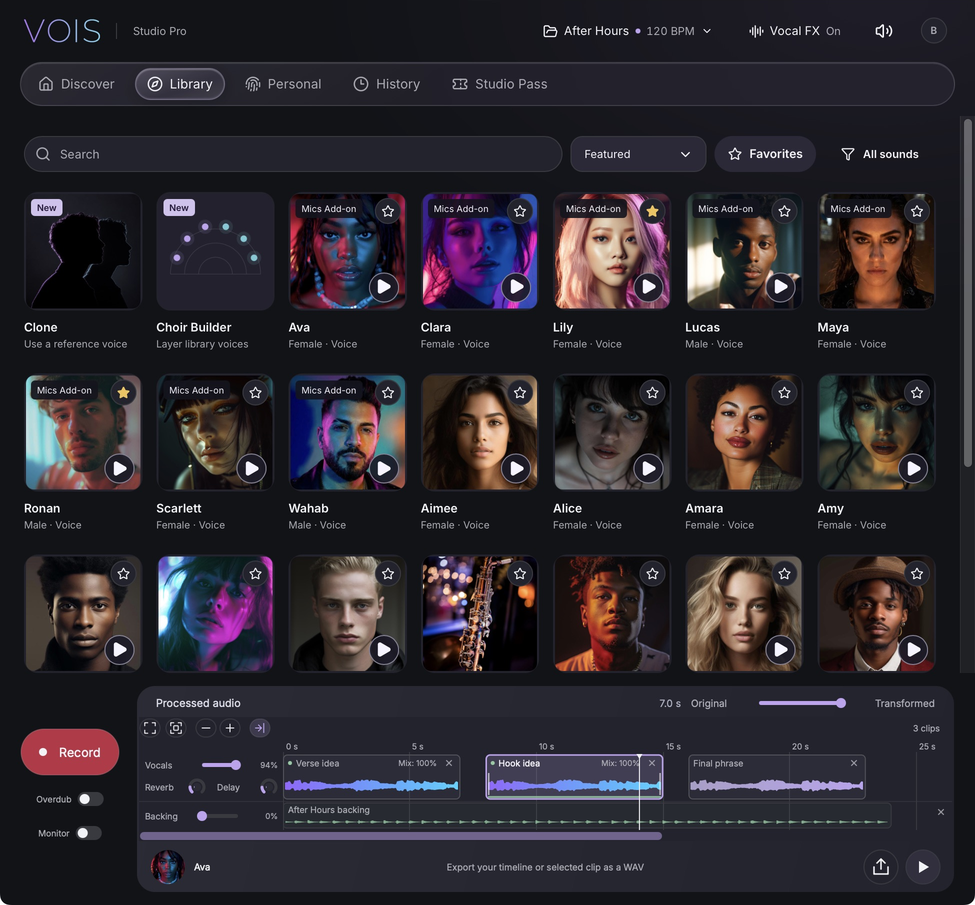
A voice for every
direction you take.
Explore singers, vocal characters and instruments.
Hear a recorded demo and find a sound that fits your song.

Elliot
Bright & textured
Kayla
Rich & soulful
Aimee
Warm & expressive
Cam
Low & resonant
Violin
Strings & movementOne take.
More possibilities.
Find a new sound in the library, build a stack of harmonies or hear your own voice doubled. Your recording supplies the performance.
Download VOISBuild the vocals around your lead.
Generate doubles of your own voice, write harmony parts or assemble a choir of different singers. Choose voices and intervals, then shape the stereo spread.
Clone a voice. Keep your performance.
Start with a short, clear singing reference. Choose the section you want and use Clone to explore that vocal sound with your own recorded take.
Hear it before you commit.
Generate a short preview from your own vocal and compare it with the original before processing the full take. Keep your source recording and current result while you explore.
Clone and advanced modes require eligible access. Daily preview limits apply.
VOIS licenses commercial use of VOIS-provided library voices only. You’re responsible for rights and permissions for Clone and other non-library voices. Rights & usage.
Keep the song
moving.
Record over a backing track in the standalone app.
Follow an idea from a scratch vocal to an arrangement.
Stay in key as you write.
Detect a backing track’s key and tempo, then set your vocal tuning to fit the song. Explore melodies and keep scratch takes in key while the idea is fresh.
Give your vocals space.
Add depth and character with studio-style reverb and delay. Give a lead room to breathe and balance the vocal against your backing track.
Build the whole idea.
Move and trim clips as the arrangement grows. Save and reopen your session, then export a WAV to share or keep working on in your DAW.
These backing-track, tuning and effect controls are part of the standalone app. VOIS plugins work with your DAW’s arrangement, transport and effects. Automatic key and tempo detection depends on device support; manual settings remain available. Explore the VOIS workflow.
Less explaining.
More making.
See how creators use VOIS, then get your first session going.
“I really like turning one sound into another without having to record multiple takes. Loved using it on stream!”



Testimonial 1 of 5. Nick Mira: I really like turning one sound into another without having to record multiple takes. Loved using it on stream!
More ideas.
On your terms.
Buy the credits you need. Use them when inspiration shows up.
Prices published November 5, 2026 in USD. Current prices are confirmed before purchase.
Basic
For the first few ideas
$9.99one time · non-refundable
1,000processing credits
About 17 minutes of audio.
- Public voice library
- Voices & instruments
- Commercial use of VOIS-provided library voices only
- No recurring charge
Standard
Save 20%For your next session
$19.99one time · non-refundable
2,500processing credits
About 42 minutes of audio.
- Public voice library
- Voices & instruments
- Commercial use of VOIS-provided library voices only
- No recurring charge
Premium
Save 33%For a whole lot of takes
$39.99one time · non-refundable
6,000processing credits
About 100 minutes of audio.
- Public voice library
- Voices & instruments
- Commercial use of VOIS-provided library voices only
- No recurring charge
Standard voices use 1 credit per second, with a 3-credit minimum per process. Costs vary by voice and processing mode. Review the quoted cost before processing.
Mics Add-onA little more
A little more
studio in your sound.
Microphone voices and Harmony Mode. Add harmonies to your voice.
German A87 and Japan G800 voices Advanced Harmony Mode 2 GB of seven-day encrypted private cloud recovery (opt-in, paid access) Process on your phone, then drag results into your DAW from plugin History 500 credits per monthly renewal
3 days free with 100 trial credits, then $14.99/month. Cancel anytime.
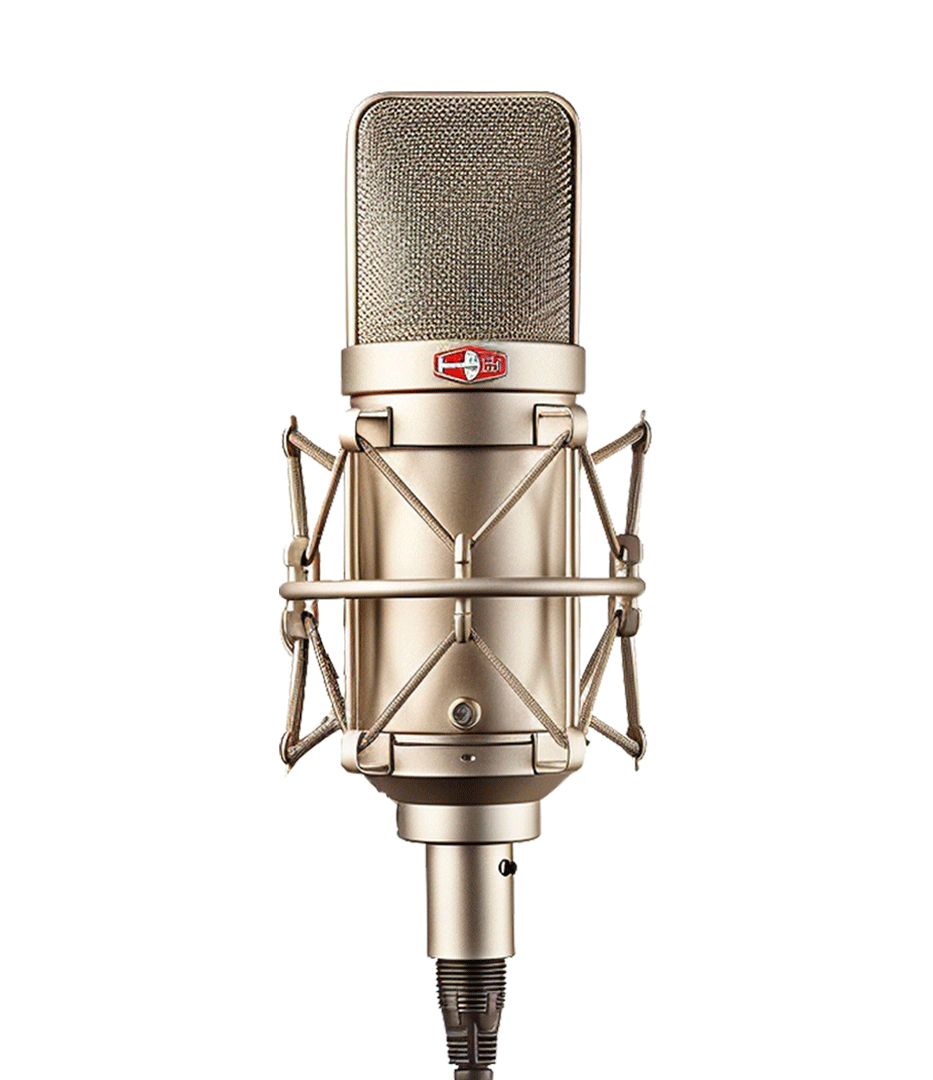
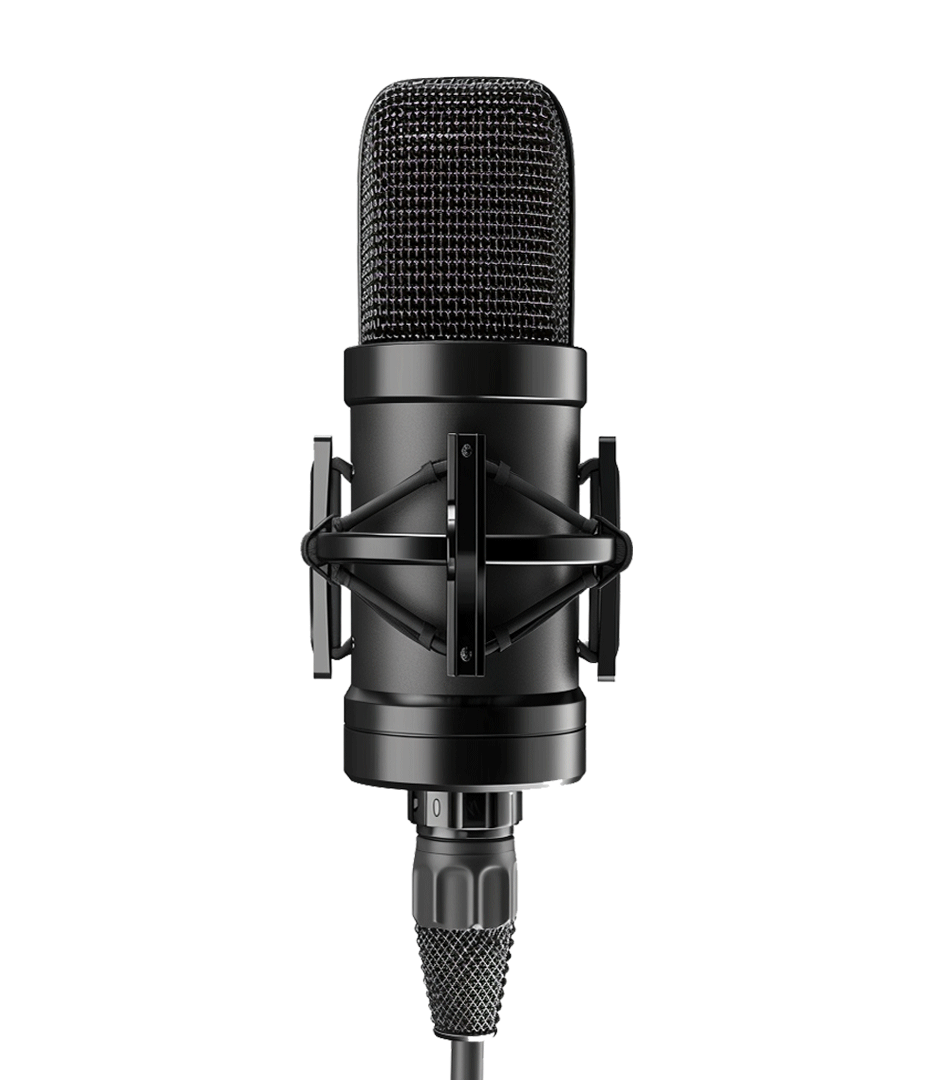
one year of access. One payment.
6,000 credits included. Microphone voices and Harmony Mode. Add harmonies to your voice.
German A87 and Japan G800 voices
Advanced Harmony Mode
2 GB of seven-day encrypted private cloud recovery (opt-in, paid access)
Process on your phone, then drag results into your DAW from plugin History
$199.99one-time payment · non-refundable
A few things to know.
Can I use VOIS for commercial releases?
VOIS grants commercial-use rights only for VOIS-provided library voices, subject to the Terms of Service. VOIS does not sell or grant commercial-use rights for Clone or other non-library voices. Paying for processing or access does not clear those rights; you must hold the necessary permissions yourself, including rights to your recordings, music and lyrics.
Read terms of serviceIs this a plugin or a standalone app?
Both. The website installers provide VST3, AU and AAX plugins for compatible DAWs on macOS and Windows. Standalone apps are available from the App Store for macOS and iPhone/iPad, and from Google Play for Android. The iOS app includes an AUv3 effect for compatible music apps.
See app and plugin downloadsWhich DAWs can I use?
VOIS supports DAWs that host VST3, AU, or AAX, including Pro Tools, Logic Pro, Ableton Live, FL Studio, and Cubase on macOS and Windows.
Where is VOIS in Pro Tools after an update?
In Pro Tools 2022.9 and later, the ARA version appears in the ARA plugin selector on the track header, next to Elastic Audio. Non-ARA installers for macOS and Windows are available below.
How do processing credits work?
For standard voices, one second of source audio uses one credit, with a minimum of three credits per process. Some models have their own credit rate. Purchased credits remain available until you use them.
What does the Mics Add-on include?
The Mics Add-on plans above list the current features, available microphones, included credits, trial and access period. Monthly and yearly access are shown separately.
How do I manage my subscription?
Use Manage subscription below and sign in with your VOIS account to open the subscription portal.
Do I need a professionally recorded vocal?
Start with clean, dry audio. Avoid reverb, distortion, and background noise to give VOIS a clear source performance. A studio microphone is helpful, but not required.
What are the system requirements?
The existing download supports macOS 10.15 Catalina or later and Windows 7 or later, together with a compatible DAW. Check the installer and your DAW for platform requirements.
How do I delete my account?
You can request deletion from Account settings in VOIS. Your account is disabled immediately, and an administrator reviews the request and removes your account information within 48 hours. Purchased credits will be removed without a refund. Contact support if you need help accessing your account.
Open account deletion pageHow does voice cloning work?
Clone uses a short, clear singing reference to explore a vocal sound with a separate recorded performance. Choose and audition your reference section before processing. Clone requires eligible account access. You must have the recording rights and be the voice owner or have their explicit consent. VOIS does not grant commercial-use rights for Clone; any commercial use requires permissions you already hold or obtain yourself.
Can I preview my own vocal before processing?
Eligible accounts can generate a short preview in VOIS and compare it with the original before processing the full take. Previews are subject to daily allowances. The examples on this website are recorded demos; your own audio is processed in the app.
Can I record ideas over a backing track?
The standalone app lets you record over a backing track, arrange and trim clips, tune vocals, and add reverb and delay. Key and tempo detection helps you set up a song on supported devices; manual settings remain available. Save the session and export the arrangement as WAV. In plugin sessions, your DAW supplies the backing track, arrangement and effects.
Your next session sounds different.