
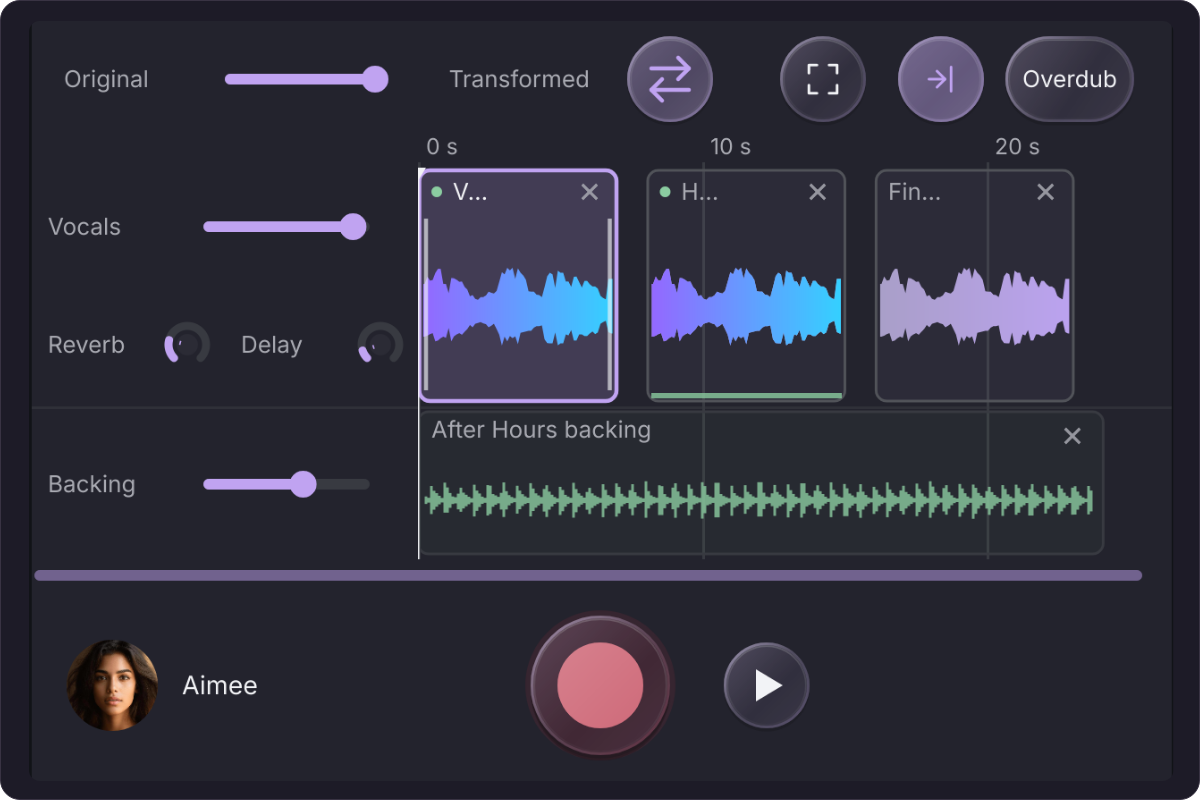
Build the whole session.
Import a backing track and record over it, or bring in a vocal you already have. Drag your clips into place on the timeline, pull their edges to trim, and shape the vocal with tuning, reverb, and delay.
Save the session to keep your audio and settings together. Reopen it when you have another idea, or export the whole arrangement as a WAV to share.
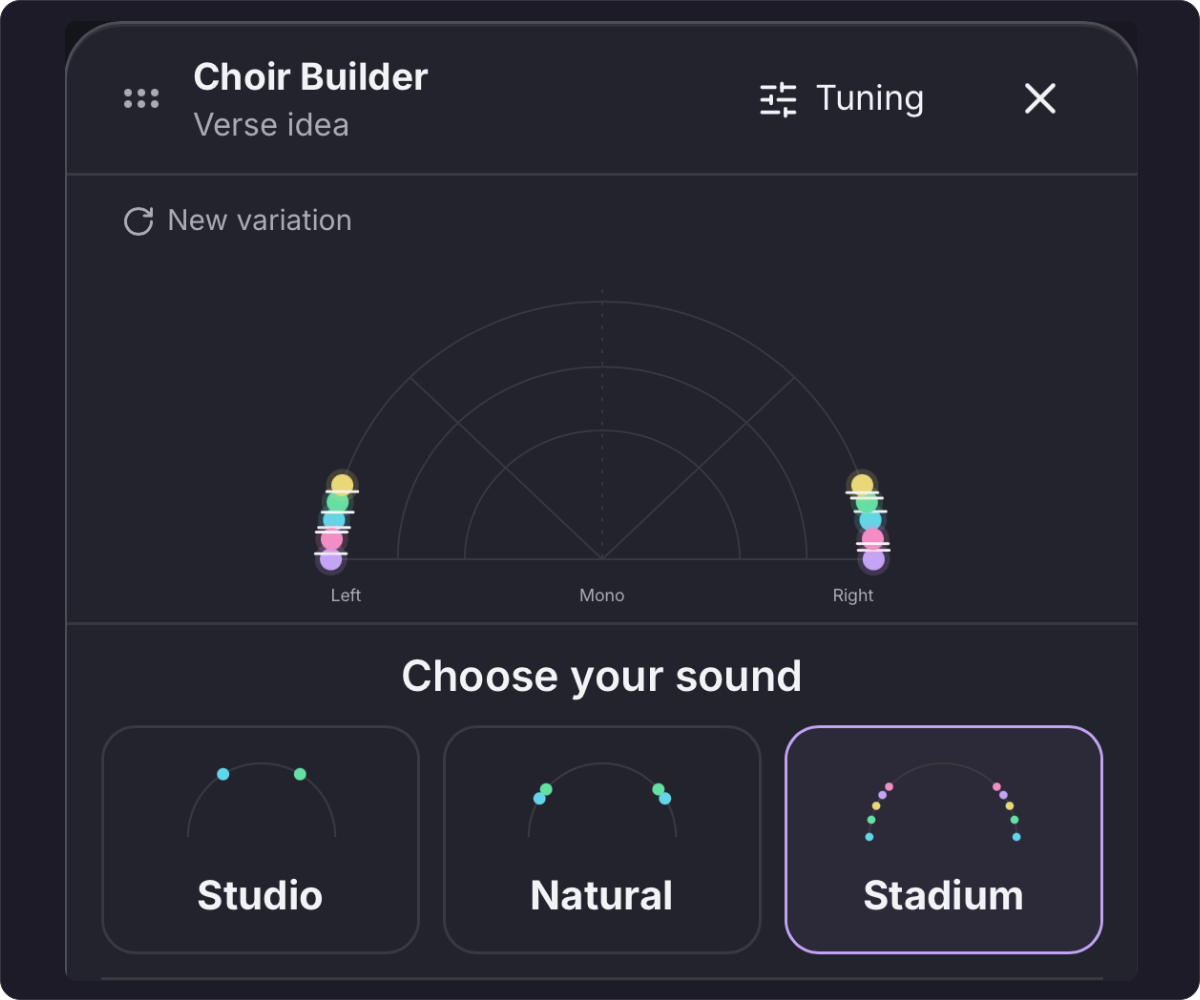
Make one take a whole choir.
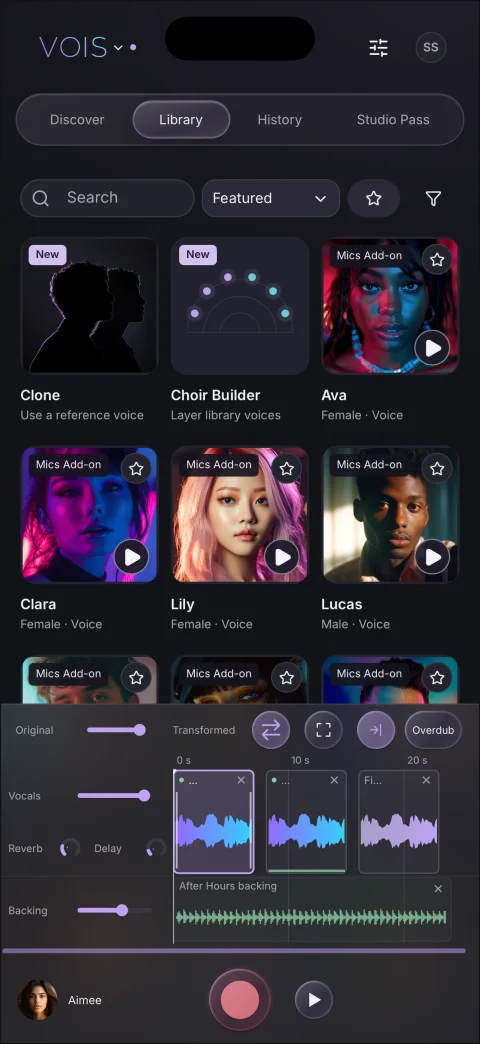
Audition singers and instruments in the Library and choose a sound for each clip. In Choir Builder, choose singers and intervals, then set how wide the choir sits in stereo.
Explore doubles, harmonies, or a new vocal sound with Clone. Eligible accounts can hear a short preview on their own vocal before processing the full take.
From your phone to your DAW.
The Mics Add-on gives you more microphone voices, including German A87 and Japan G800, and unlocks Harmony Mode. With active paid access and Cloud recovery turned on, eligible processed vocals can be downloaded for up to seven days.
- Turn on Cloud recovery in Account settings, then process a take on your phone.
- Sign in to the updated VOIS desktop plugin with the same account. In History, find the take and choose Download result.
- Use Drag to DAW to drop the WAV into your arrangement.
Voice processing requires a VOIS account, internet access, and credits. Choir Builder and Clone require eligible access. Use Clone with recordings you have rights to and with the voice owner’s permission to clone and reuse the voice. Voice and recording rights
Get VOIS for mobile.
The iPhone and iPad app also includes AUv3 for compatible music apps.